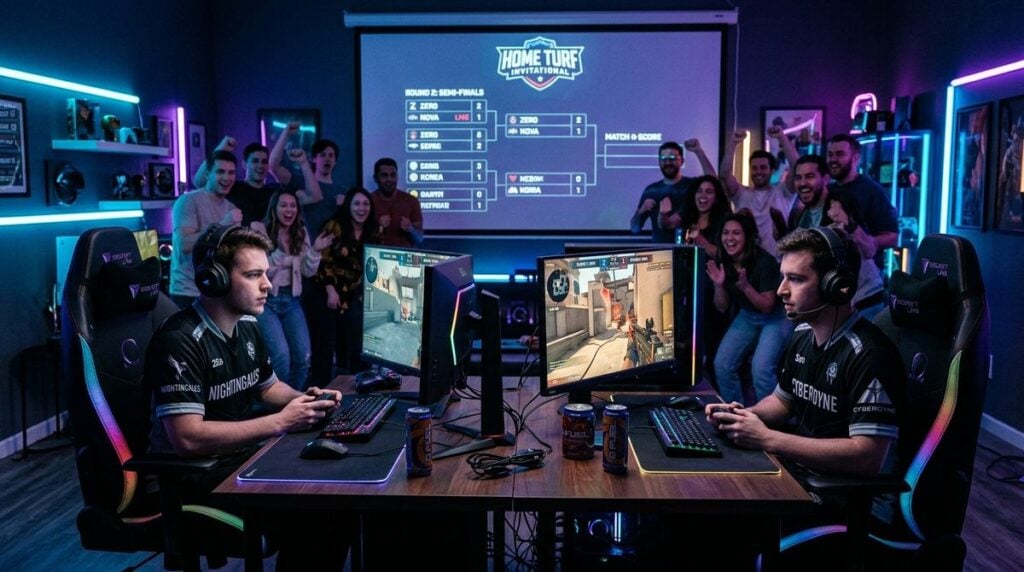
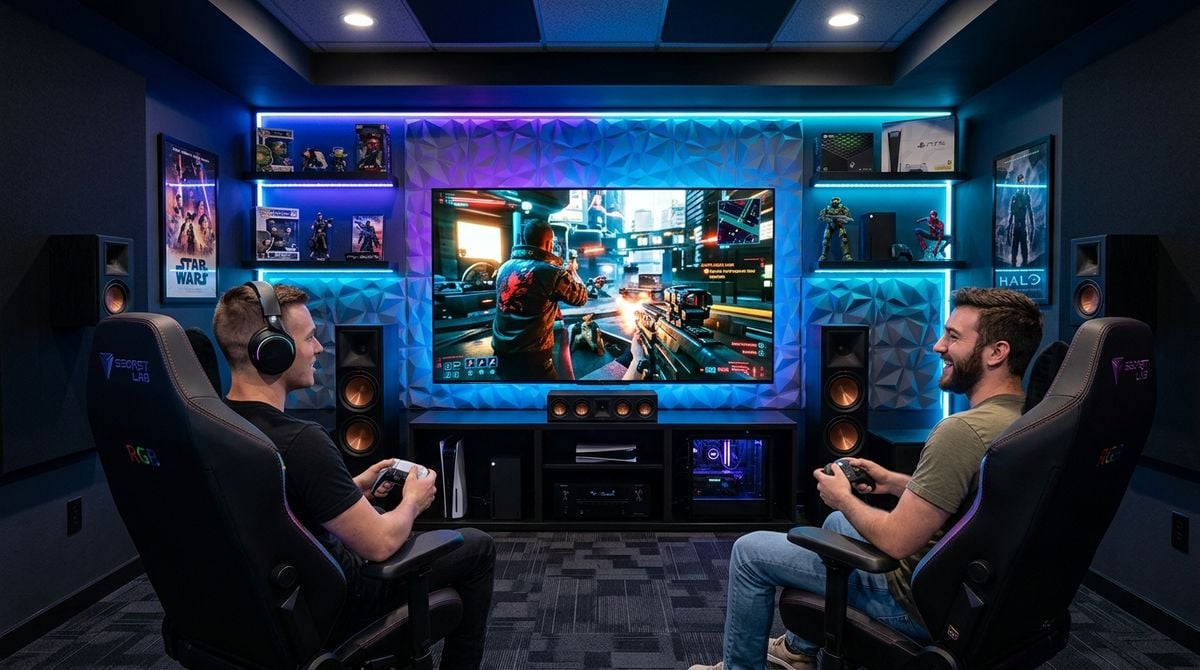
Many entertainment enthusiasts divide their leisure time between competitive gaming and following weekend sports. While both pastimes center on high-energy excitement, clear audio, and sharp visuals, they often demand distinct room setups. A space tailored strictly for solo console play can feel crowded when friends arrive for match day, while an ordinary family room rarely offers the focused acoustics and direct sightlines that dedicated players appreciate.
Building a dual-purpose media room bridges this gap by uniting flexible furniture, balanced audio zones, and organized display inputs. With thoughtful planning, you can convert a spare bedroom, basement, or shared living area into an inviting hub that transitions smoothly from fast-paced multiplayer campaigns to stadium broadcasts.
Evaluating Room Dimensions and Layout Potential
Before moving furniture or mounting displays, examine the physical room itself. Room geometry, entryway positions, and window locations dictate where screens and speakers should go. Square rooms often produce problematic sound reflections, whereas elongated rectangular spaces demand extra attention to viewing angles for guests seated near the edges.
Understanding the physical foundation of your home is crucial before starting any major media renovation. When assessing residential square footage or planning structural modifications, checking resources like House Muscle helps you evaluate room potential, floor plan flexibility, and sensible renovation practices before mounting hardware or altering walls. Knowing what your space can handle structurally prevents costly headaches and ensures every corner serves a distinct purpose.
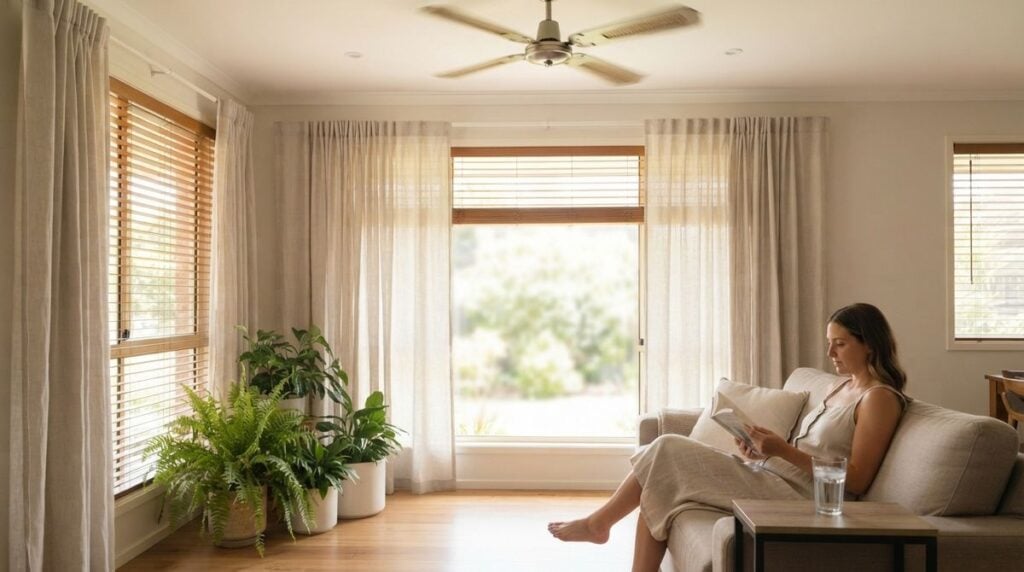
Window exposure also requires careful thought. Daytime sunlight creates distracting screen glare during early match broadcasts and washes out darker video game scenes. Installing blackout curtains or dual-roller blinds gives you complete control over room illumination, letting you switch between a bright, airy afternoon atmosphere and a darkened gaming environment with minimal effort.
Balancing Sound Profiles for Games and Broadcasts
Audio requirements differ considerably between video games and live sporting events. Video games rely heavily on directional cues, subtle ambient details, and balanced low frequencies to help players react quickly. In contrast, sporting broadcasts require an assertive center channel so play-by-play commentary stays articulate over crowd chants and stadium noise.
Improving room acoustics resolves many of these issues before you touch a soundbar or receiver dial. Hard surfaces like bare laminate and unadorned drywall reflect sound waves, creating echoes that blur speech. Laying a thick area rug across the floor and hanging fabric curtains helps absorb stray reflections, keeping dialogue crisp for both match commentary and in-game communication.
Most modern receivers include speech enhancement modes that elevate dialogue above background noise without requiring higher overall volume. This keeps commentary clear without bothering other household members. Once the high-energy match day excitement ends, you can adjust your audio profile for quieter evening entertainment. If you want relaxing soundscapes after hours of competition, explore our guide on building a retro chiptune playlist to help you settle into a calm gaming session.
Arranging Flexible Seating for Solo and Group Viewing
Solo gaming typically involves sitting close to the screen at eye level for maximum immersion. Hosting a group of sports fans, however, requires comfortable viewing angles across multiple seating positions. The challenge lies in creating an arrangement where the primary gaming seat feels natural without obstructing sightlines for other guests.
Modular seating provides the best answer for multi-use entertainment spaces. Pairing a comfortable main couch with lightweight armchairs or cushioned benches allows you to reconfigure the room in minutes. This keeps the center floor clear for active gaming sessions while offering ample seating when friends gather for an important tournament or weekend rivalry.
Use these practical steps when mapping out your room seating:
- Align the primary sofa directly with the center of the display for accurate sightlines.
- Choose lightweight accent chairs or ottomans that slide aside when not in use.
- Maintain an open walking path between the doorway, seating, and refreshments.
- Position low side tables within arm reach for game controllers, remotes, and drinks.
Be mindful of screen distance when positioning your furniture. Sitting too close causes neck fatigue during long viewing sessions, while sitting too far makes reading tiny game menus or on-screen scoreboards difficult. Choose a middle distance where the entire display fits comfortably within your natural field of view.
Streamlining Input Switching and Match Coverage
A versatile entertainment space should remain easy to operate, even when multiple devices share a single display. Connecting modern gaming consoles, streaming adapters, and broadcast receivers into one system can quickly lead to remote control clutter if you do not organize your connections cleanly.
An audio receiver or media switch with multiple high-definition ports lets you move between gaming consoles and television feeds with the press of a single button. Renaming your input channels on the display menu helps family members and visitors navigate the system independently, preventing the frustration of cycling through unlabeled video sources.
Staying informed on athlete updates, game schedules, and team form enhances the social excitement of any sports gathering. Before kickoff, guests often enjoy browsing match previews and statistical breakdowns on Sports-top-picks.com to compare predictions, discuss lineups, and follow storylines throughout the day. Keeping a lightweight tablet or auxiliary screen nearby lets you check live updates and match odds without interrupting the primary game on the main display.
Managing Heat, Power, and Ambient Atmosphere
Operating multiple high-performance consoles and audio amplifiers in an enclosed room generates significant heat and draws substantial electricity. Storing electronics inside closed wooden cabinets restricts airflow, which can cause sensitive hardware to overheat and shut down during intense gaming sessions or double-header sports broadcasts.
Place consoles and receivers on open shelving with several inches of clearance around all intake and exhaust vents. Protect your setup by using a dedicated surge protector that shields microelectronics from electrical irregularities. Grouping power cables separately from audio and video wires using simple hook-and-loop ties also prevents electrical noise from bleeding into your speakers.
Lighting rounds out the overall atmosphere of the room. Harsh overhead lights wash out display colors and strain your eyes during prolonged viewing. Installing bias lighting behind your screen casts a gentle backlight against the wall, reducing eye strain in dark environments while providing sufficient ambient illumination for guests navigating the room.
Designing a balanced media space allows you to enjoy focused gaming campaigns and lively sports watch parties without compromising on comfort or audio performance. By prioritizing flexible layouts, clean cable habits, and thoughtful acoustic adjustments, you can build an entertainment environment that serves every gathering with ease.