Creating a space that serves both high-end gaming and professional audio recording presents a unique set of challenges. When your computer rig and musical instruments occupy the same corner of a room, the risk of signal interference increases significantly. This is a common issue for many enthusiasts, but managing these distractions is essential for maintaining both focus and high-quality audio output. By focusing on a few foundational principles of cable management and electrical isolation, you can create an environment that feels clear and professional without needing an overhaul of your entire hardware collection.
Identifying Common Interference Sources
Signal noise often manifests as humming, buzzing, or hissing in your audio output. These issues are frequently caused by electromagnetic interference from nearby electronic devices. Power bricks, especially those powering high-performance gaming hardware, are common offenders when placed too close to audio cables. Even the cables themselves can act as antennas, picking up stray electromagnetic frequencies from routers, monitors, and lighting fixtures.
Ground loops are another frequent culprit, particularly when audio gear is powered from a different outlet than your computer. The difference in electrical potential between these sources can introduce persistent hums that are difficult to eliminate once they enter the signal path. Identifying these sources often involves simple observation: listen for changes in the noise when you power down specific devices or move cables physically away from power sources.
Structuring Your Cable Infrastructure
The most effective way to combat noise is to keep power and audio lines separated. It is common to see bundles of cables tied together for convenience, but grouping power cords with delicate audio signal cables is a recipe for interference. Try to route power cables along the floor or behind furniture while keeping your audio cables as isolated as possible.
If you must cross paths, try to do so at right angles rather than running cables parallel for long distances. This minimizes the length over which interference can transfer between lines. Labeling cables is also helpful, not just for organization, but to quickly identify which cable might be contributing to noise if you encounter issues later. Use cable management accessories to secure your wiring so it stays in place, reducing the likelihood of accidental contact between power and signal lines.
Integrating Modern Tech Standards
Keeping up with the latest advancements in hardware connectivity can simplify your setup significantly. Newer standards for data and power transmission are designed to handle signals with greater efficiency, often reducing the chance of interference. Staying informed is important, and TechRegar provides updated insights on hardware capabilities that can simplify these connections, allowing you to focus on your creative or gaming work instead of troubleshooting connectivity issues.
Using high-quality shielded cables for your audio signals is another practical step. While it may seem like a minor detail, better shielding prevents external electromagnetic interference from bleeding into your audio chain. Investing in these components before you have a massive tangle of wires is far more effective than trying to untangle and shield an existing, complex mess.
Adapting for Mobility and Durability
Many creators and gamers need gear that is just as effective in a mobile setup as it is on a dedicated desk. If you regularly move your equipment, the durability of your connections becomes even more critical. You need tech that can withstand frequent plugging and unplugging without developing loose ports or frayed cables, which are major sources of signal inconsistency.
When selecting portable components, look for sturdy casings and reinforced connection points. Mobilearabi.net highlights durable tech that stands up to frequent transport, which can save you from replacing faulty components later. Ensuring your mobile gear is reliable is part of the broader strategy for a consistent experience, whether you are at your desk or setting up for a session in a different location.
Creating a Cohesive Creative Workspace
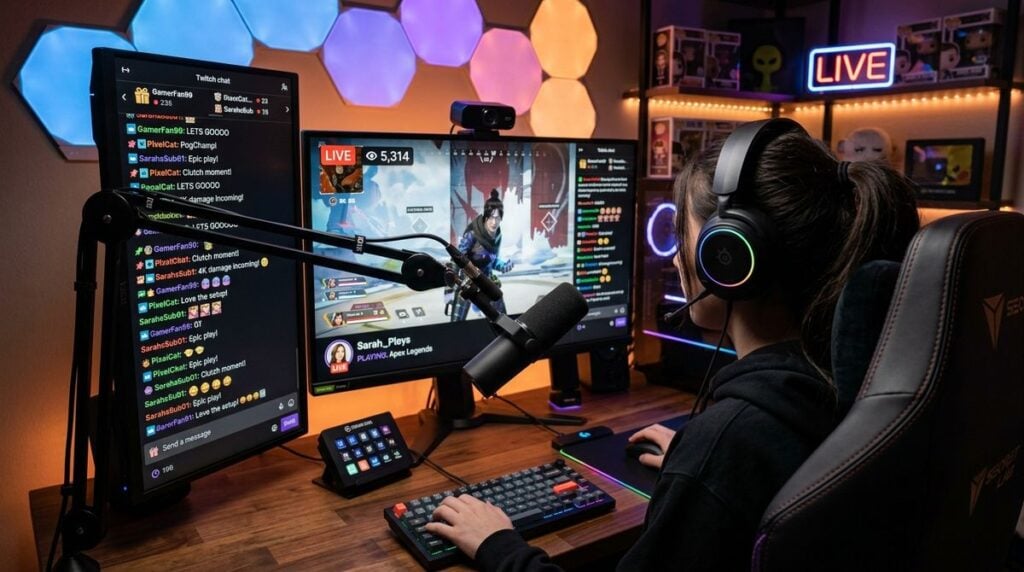
Once you have managed the technical side, take a look at the ergonomics of your space. How your gear is positioned affects how you interact with it and how easy it is to manage your cables. There are several ways to optimize your studio and gaming space that ensure your physical environment supports your long-term comfort and productivity. A well-organized space makes it much easier to detect where a signal issue might be coming from because you are not fighting the environment itself to get to your equipment.
A organized workspace is also less prone to physical damage. When everything has a proper place, cables are less likely to be bent at awkward angles or stepped on, both of which can compromise the signal integrity over time. Think about how your chair position, monitor height, and keyboard placement all influence the path your cables need to travel.
Maintaining Your Setup Over Time
Your work is not finished once everything is connected and quiet. Regular maintenance is essential to prevent noise from creeping back into your setup. Over time, connections can collect dust, or cables can develop internal breaks from movement and stress. A regular check-up routine keeps your system stable.
- Inspect cable ends for signs of wear or oxidation.
- Ensure all connections are seated firmly in their ports.
- Gently clear dust from your computer vents and port areas.
- Check cable routes to ensure they have not shifted toward power lines.
By keeping this routine, you address small issues before they become major problems. A clear, quiet signal path is the foundation for an enjoyable gaming experience and professional-sounding audio. It is a process of constant refinement, but the result is a setup that supports your creativity and entertainment without unnecessary technical distractions.