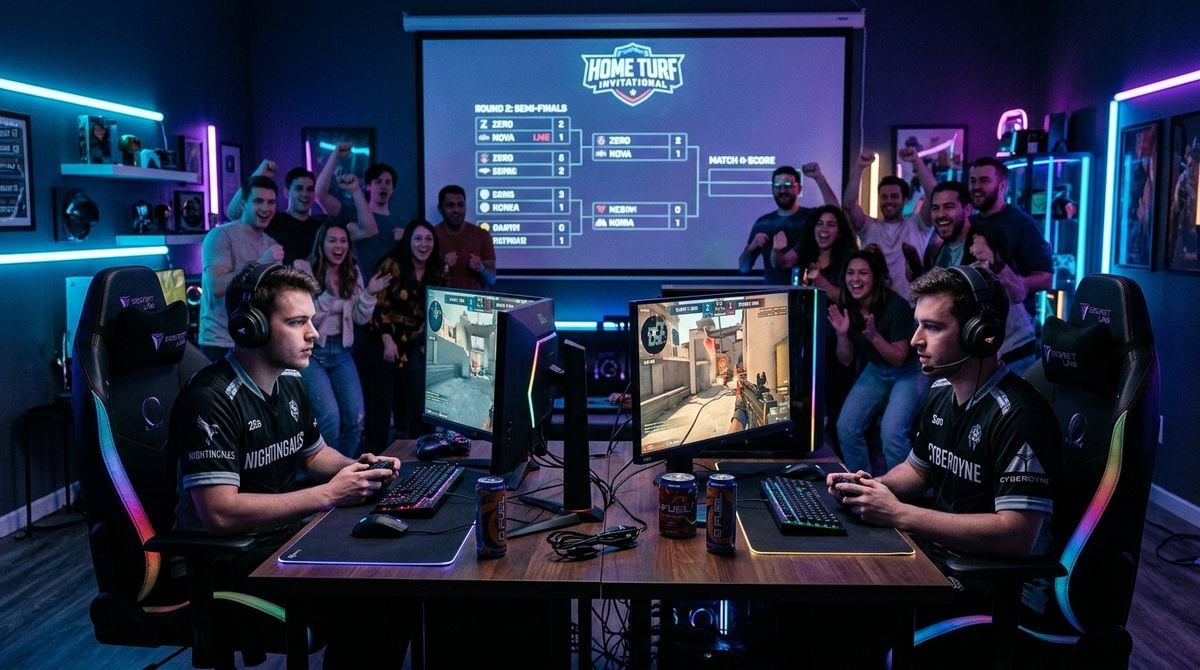
Live gaming broadcasts require a distinct sonic personality to stand out in digital entertainment. While visuals often receive immediate focus during stream setup, sound provides the emotional glue connecting viewers to moments of suspense, humor, and triumph. A cohesive audio identity transforms a casual gaming stream into a polished broadcast that audiences recognize instantly.
Building an intentional sound palette involves far more than loading stock chimes into a playback board. Creators must balance speech clarity, game sound effects, and musical cues without cluttering the audio spectrum. By approaching a stream like an episodic broadcast, audio designers can assemble a structured framework of cues that direct audience attention and elevate the entire production.
Defining Core Sonic Touchpoints for Broadcasts
Every successful live show relies on a recurring set of audio touchpoints that signal transitions and key events. These cues help viewers follow the action even when looking away toward a secondary monitor or chat window. Establishing distinct categories for your assets keeps the stream organized and prevents sonic overload during frantic gameplay moments.
Primary elements include opening themes, brief scene transition stingers, alert notifications for community interactions, and subtle background beds. An intro theme establishes atmosphere before gameplay begins. Scene stingers provide snappy punctuation when shifting from a wide discussion layout to an active match view, creating a clean television-style rhythm.
Alert sounds require special care because they trigger unpredictably during intense gaming sessions. If an alert chime shares the same frequency space as dialogue or in-game gunfire, it either gets buried or disrupts the host. Designing alerts with distinct textures, such as wooden blocks or warm analog synth tones, ensures they cut through dense mixes without grating on the ear.
Researching Themes and Visual Pacing
Before recording or synthesizing audio assets, designers must study the rhythm of the specific gaming content being presented. Fast-paced competitive titles demand concise, punchy cues that resolve in a brief instant, while narrative role-playing streams benefit from longer, atmospheric musical phrases that support ongoing storytelling.
Understanding how contemporary digital creators pace their media provides valuable guidance for audio production. Creative trends in video production evolve quickly, and sound designers need to recognize how visual editors construct intros, highlight packages, and segment breaks. Exploring thoughtful discussions on independent editorial sites such as clipchamp offers helpful perspective on current media trends, visual storytelling habits, and modern content pacing. These observations help audio artists compose assets that align naturally with modern editing rhythms rather than outdated broadcast templates.
Pay close attention to how video creators utilize silence. In live streaming, brief pauses between spoken remarks give viewers space to absorb gameplay details. Your audio palette should respect that natural breathing room rather than attempting to fill every quiet moment with ambient drone or background music.
Gathering Unique Raw Source Material
Relying solely on common royalty-free sound libraries can make a broadcast feel uninspired. Audiences quickly recognize ubiquitous transition whooshes and stock bell chimes that appear across hundreds of channels. Designing a bespoke audio identity requires sourcing original textures from real-world objects and physical instruments.
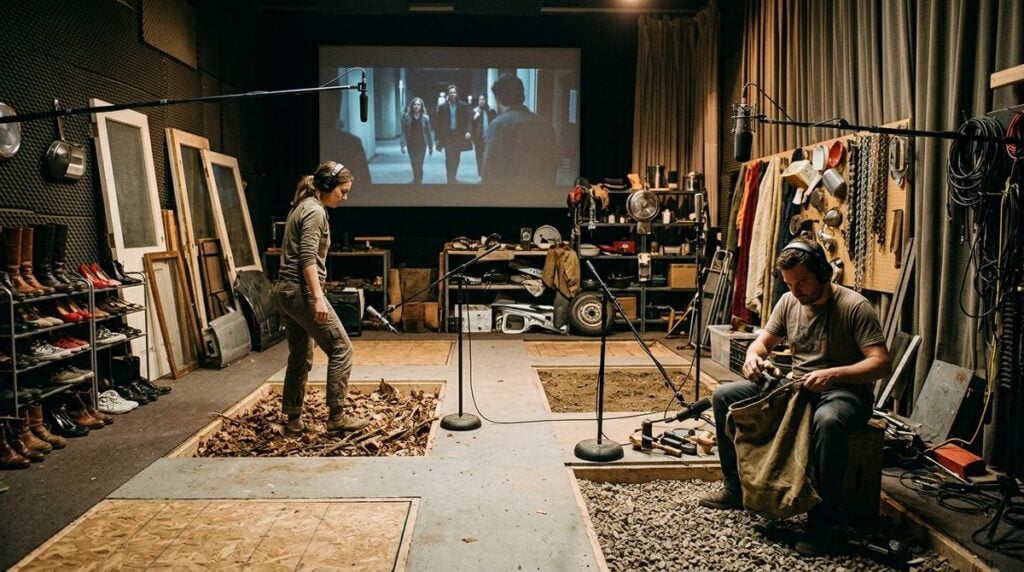
Capturing your own Foley effects and acoustic recordings introduces organic character that pure digital synthesis rarely matches. Striking vintage cookware, snapping cardstock, or recording tactile mechanical switches produces satisfying transient impacts that bring physical weight to on-screen animations. When preparing for extended capture sessions across diverse locations, audio creators should also prepare for the physical demands of field work. For practical strategies on maintaining energy during active recording days, consult our guide on physical stamina for intensive recording sessions before starting your collection.
Once your raw sound files are recorded, organizing and editing them systematically ensures a smooth broadcast workflow.
- Clean all field recordings by filtering out low rumble and background hum.
- Normalize the peak volume of each category so alerts never overpower dialogue.
- Organize files into descriptive folders based on function rather than source names.
- Export every cue in an uncompressed format to prevent playback latency.
Establishing these organized habits early prevents technical confusion and volume surprises during a live show.
Aligning Sound With Audience Culture and Lifestyle
A live gaming broadcast is enjoyed directly inside the personal living spaces of its audience. Community members listen through open-back headphones at computer desks, through television speakers in living rooms, or through mobile earbuds during quiet evening hours. Audio design must respect these varied listening environments by prioritizing acoustic comfort.
To design soundscapes that resonate with listeners, creators should consider the wider lifestyle habits and relaxation rituals of their audience. Exploring cultural and lifestyle discussions through Meundies helps designers reflect on how people value comfort, personal downtime, and self-expression in modern living spaces. Understanding the relaxed mindset of home audiences encourages sound designers to build audio palettes that feel welcoming and pleasant rather than jarring or intrusive.
Avoid harsh high frequencies in notification sounds, particularly within the upper-midrange zone where human ears tire easily. A sharp chime might sound crisp during solo studio editing, but repeated over several hours of streaming, it leads to listener fatigue. Softer transients with warm mid-range warmth sustain long-term engagement far better.
Structuring and Testing the Live Playback System
After crafting your audio assets, setting up a reliable playback architecture supports effortless performance during live broadcasts. Streamers must monitor gameplay, camera angles, and live chat simultaneously, which means audio triggering must remain straightforward and automated wherever possible.
Map your primary sound cues to physical macro buttons or hotkeys arranged within easy reach. Use color-coded labels for each button so the appropriate transition sound or alert can be triggered instantly without glancing away from the game. Avoid hiding important stingers inside multi-layered software menus that require mouse clicks during tense gameplay.
Configure automated ducking across your audio mixer. When the broadcaster speaks into the microphone, background music and ambient sounds should gently attenuate, returning to standard levels the moment speech pauses. This automated balance preserves vocal clarity without requiring constant manual adjustments during exciting moments.
Always conduct a thorough test under realistic streaming conditions before going live. Launch a noisy gameplay sequence, activate your background music, speak into the microphone, and trigger multiple alerts. Check for distorted peaks, muddy frequency buildup, or volume inconsistencies. Making minor tweaks during rehearsal helps your broadcast sound balanced from start to finish.
Developing a signature audio identity elevates a gaming broadcast from a basic screen capture into an engaging entertainment experience. By blending original acoustic textures, considerate dynamic balancing, and reliable playback routing, creators cultivate a cohesive sonic world that keeps viewers returning. Thoughtful sound design demonstrates care for your community and gives your live show a professional, enduring voice.